Ticker Images
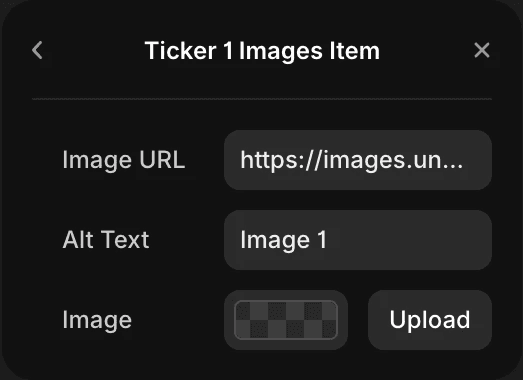
Upload or paste links to images that will appear in the tickers.
You control images separately for each ticker. Max 20 images per ticker (can be changed in workshop or code editor).
By default component comes with 10 images each, linked from Unsplash plugin.
Supported file types: jpg, jpeg, png, gif, webp, svg.
Aspect Ratio
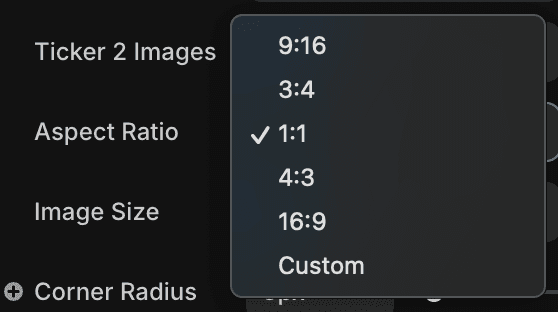
Determines the frame shape of each image. Useful for maintaining consistency across uploaded content.
By default all image frames are square (1:1 aspect ratio) and the images are set to fill the frame.
Custom aspect ratio makes each image frame fit whatever aspect ratio the image has.
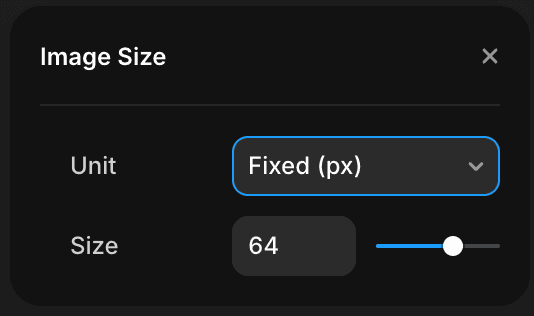
Image Size
Controls the size of each image. You can choose from fixed size or relative.
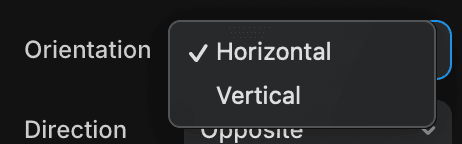
Orientation
Defines the direction the tickers move:
Horizontal – Images move left/right.
Vertical – Images move up/down.
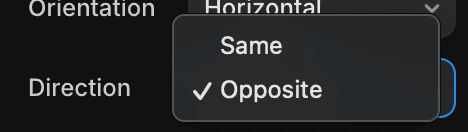
Direction
Sets the movement relationship between Ticker 1 and Ticker 2:
Same – Both tickers move in the same direction.
Opposite – Each ticker moves in the reverse direction for dynamic contrast.

Flip Direction
Flips the movement direction of both tickers (left ↔ right, top ↔ bottom).

Distance from Center
Controls how far each ticker is set from the center of the component, measured as a percentage of the component’s height (horizontal) or width (vertical).
Lower values = tighter overlap.
Higher values = greater distance between tickers.

Wave Height
Sets the amplitude of the wave — how high/low images move from their base path.
0 = no wave (linear motion).
120 = dramatic wave motion.

Wave Frequency
Defines how many wave cycles occur across the full ticker length.
Lower values = slow, smooth undulations.
Higher values = tighter, more frequent waves.

Speed
Controls how fast the tickers scroll.
0 = static.
10 = very fast (may need fewer images for best performance).
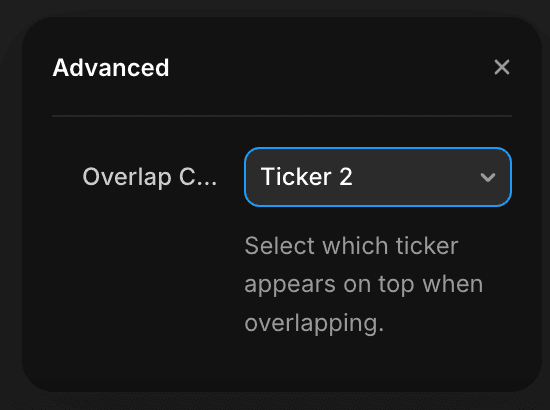
Overlap control
Controls which of the tickers is appears on top when the two tickers overlap.